Image Zoom
Click any image to open it in a lightbox.
Every Markdown image is rendered through ImageZoom. Clicking the image opens it in a full-screen lightbox over a dimmed overlay; pressing Esc, the close button, or clicking anywhere closes it.
Usage#
Plain Markdown is enough:
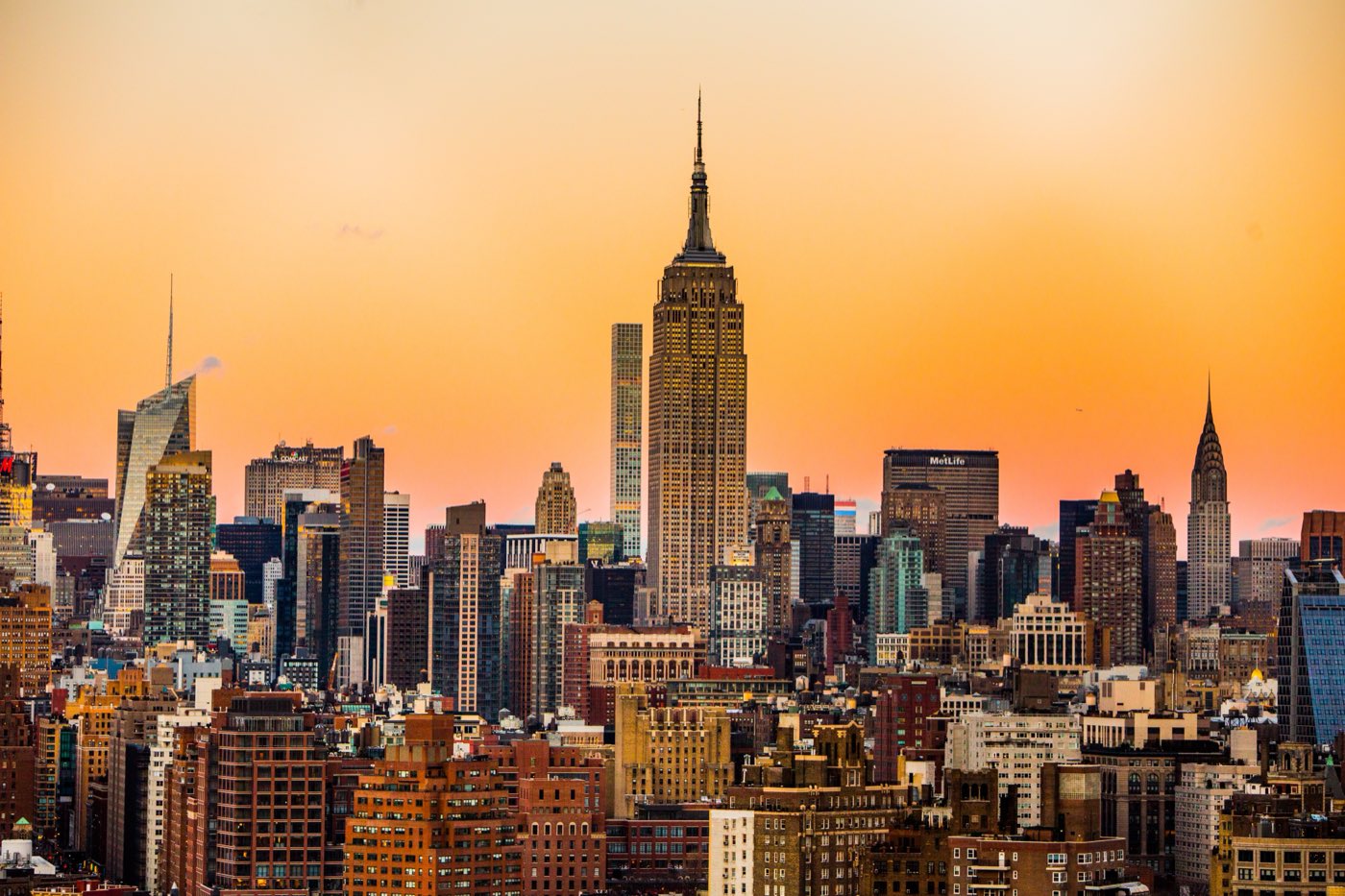Use the component directly when you need extra attributes:
<ImageZoom src="/images/brooklyn-bridge.jpg" alt="Brooklyn Bridge at dusk" width={640} height={427} />The sample photos are "Skyline of Manhattan" by Michael Discenza and "Brooklyn Bridge, New York" by Pedro Lastra, both published under the CC0 1.0 public domain dedication on Wikimedia Commons.
Behaviour#
- The overlay is a fixed, full-viewport dialog (
role="dialog",aria-modal) using the--pd-overlaytoken for the backdrop, so it works inside tabs, accordions, and steps. - The close button receives focus when the lightbox opens, and the original
alttext is kept on the zoomed image for screen readers. - Inline images are lazy-loaded. Images without
altare still zoomable, but you should always provide one.
Props#
ImageZoom accepts every attribute of a native img element (src, alt, width, height, loading, className, and so on) and forwards them to the image.
Importing outside MDX#
import { ImageZoom } from "pzzadocs/mdx";

<ImageZoom src="/screenshots/dashboard.png" alt="Dashboard" />